General API
Use our API to connect StockClient with your own applications and business processes.
Available controllers
- Products and catalogue
- Consignment warehouses and stock
- Consumption and inventory
- Replenishment and sales orders
1 user and 1 consignment location free forever. No credit card required.


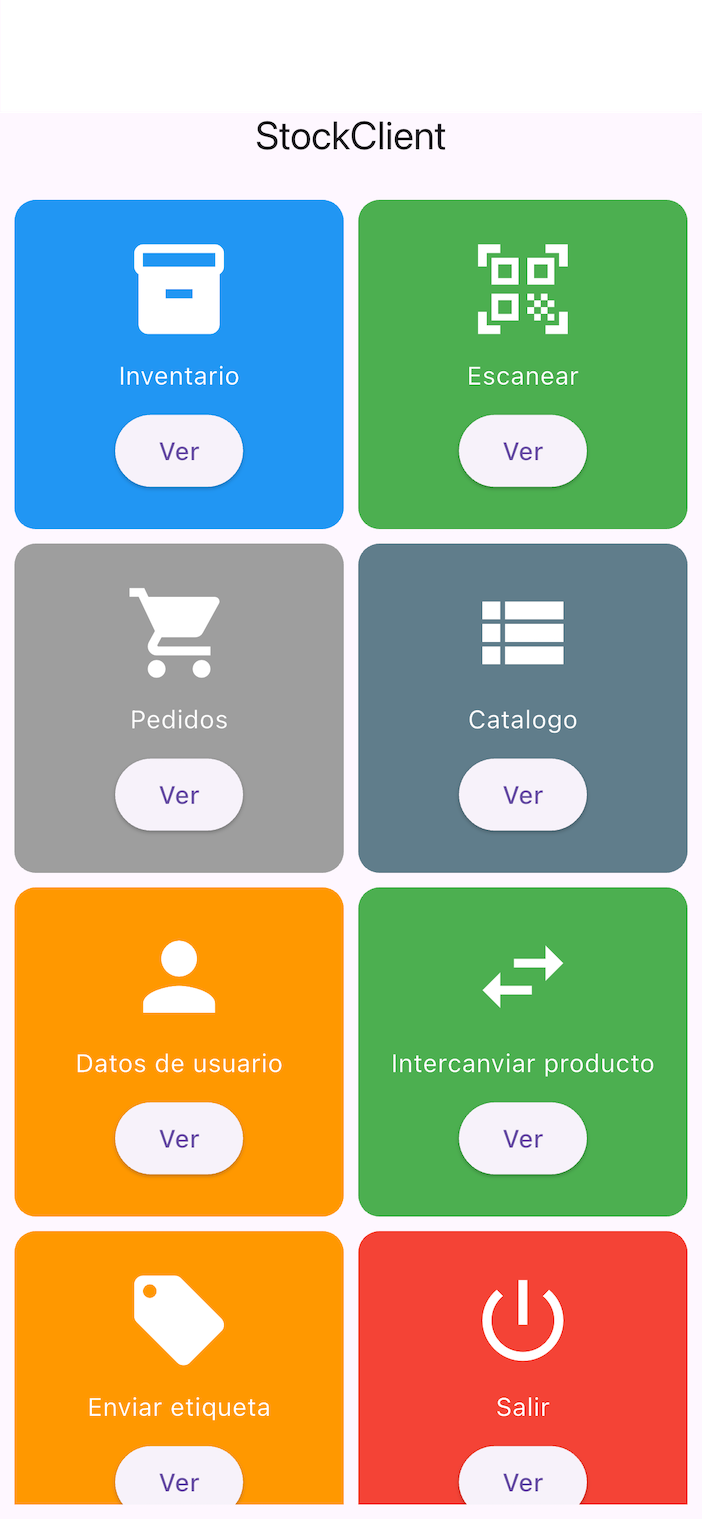
StockClient gives your company and customers one shared, up-to-date view of products stored at external locations.
Place products at your customer's location and keep the assigned stock visible.
The customer scans or selects products and reports what has been consumed.
See what each location needs and prepare replenishment using current information.
Use reported consumption as the basis for invoicing and traceability.
Give logistics teams and customers a practical way to keep remote stock, consumption and replenishment information updated.
Know what stock is available at every customer location.
Scan products and report consumption with minimal steps.
Identify what each location needs using updated stock data.
Record stock movements, consumption and inventory adjustments.
Use reported consumption to support your billing process.
Record all necessary operations without transaction limits.
Use StockClient on the web or through the iOS and Android apps.
Use StockClient as a standalone solution or connect it to your existing systems through the general API or Business Central extension.
Use our API to connect StockClient with your own applications and business processes.
The extension connects StockClient with Business Central and centralizes the main consignment stock workflows.
Synchronize warehouse consumption recorded in consignment stock.
Create replenishment proposals in Business Central from the updated stock data.
Register customer sales orders in Business Central for complete traceability.
Your first user and first consignment location are free forever. Add capacity only when you need it.
At least one active user is required to add consignment locations.
1 user and 1 consignment location free forever. No credit card required.
We are open to any suggestion or request you may have. If you want to verify that your data has been deleted, please contact us here.
Address
Escaldes-Engordany, Andorra
Phone
Working Hours
Mon-Fri 9.00 AM to 5.00PM.
Create an account, configure your first products and see whether StockClient fits your process.